
Introduction to IBM SPSS
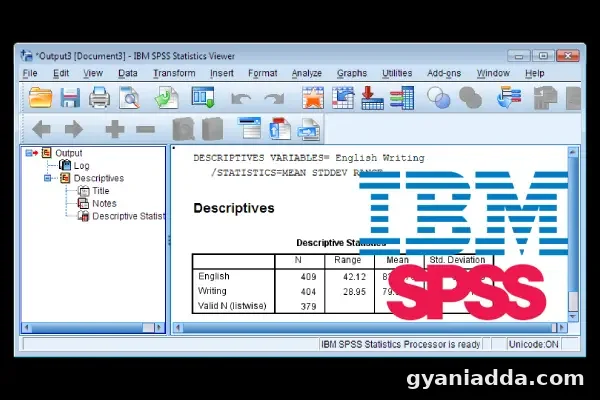
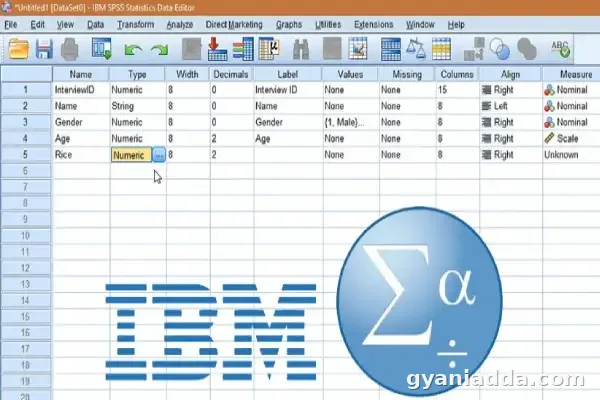
IBM SPSS (Statistical Package for the Social Sciences) is a powerful software suite used for data management and statistical analysis. Renowned for its user-friendly interface, SPSS enables researchers, data analysts, and statisticians to perform complex data analyses with ease. From simple descriptive statistics to advanced predictive modeling, SPSS is widely utilized across various fields, including social sciences, healthcare, and marketing.
System Requirements for IBM SPSS
To run IBM SPSS efficiently on a PC, certain hardware and software requirements must be met:
Hardware Requirements:
- Processor: Intel or AMD processor with 2.0 GHz or higher.
- RAM: A minimum of 4 GB (8 GB or more recommended for large datasets).
- Disk Space: At least 2 GB of free disk space for installation.
- Display: A monitor capable of 1024 x 768 resolution or higher.
Software Requirements:
- Operating System: Windows 10, Windows 11, or compatible versions.
- Microsoft Visual C++ Redistributable: Required to be installed (usually bundled with SPSS).
Installation Guide for IBM SPSS
Step-by-Step Instructions:
- Download SPSS: Visit the IBM SPSS website or your institution’s software portal to download the latest version of SPSS.
- Run the Installer: Locate the downloaded file and double-click it to initiate the installation process.
- Follow the Prompts: Agree to the terms of service and select your preferred installation options.
- Enter License Code: If required, enter your license code to activate the software.
- Complete Installation: Once the installation is complete, launch the application from your desktop or start menu.
Features of IBM SPSS for PC
IBM SPSS is packed with features designed to streamline data analysis. Key features include:
- Descriptive Statistics: Quickly summarize and describe the characteristics of your data.
- Data Visualization: Create various charts and graphs to visualize trends and patterns.
- Predictive Analytics: Utilize advanced modeling techniques to predict future outcomes based on historical data.
- Custom Tables: Generate flexible and customizable reports for detailed data analysis.
Advanced Features of SPSS
SPSS also offers advanced functionalities like machine learning algorithms, multivariate analysis, and data mining tools, allowing users to derive deeper insights from complex datasets.
Troubleshooting Common Issues in SPSS
While SPSS is designed to be user-friendly, users may encounter issues such as installation errors, data import problems, or unexpected crashes. Common solutions include ensuring that system requirements are met, reinstalling the software, and checking for updates or patches.
Conclusion
IBM SPSS stands out as a robust tool for statistical analysis, making it an essential resource for professionals across various industries. With its comprehensive features and user-friendly interface, SPSS empowers users to make informed decisions based on data-driven insights.





Comments (0)
No comments yet. Start the conversation!